Digital product design · Master's thesis, UDIT 2025
PRISMA
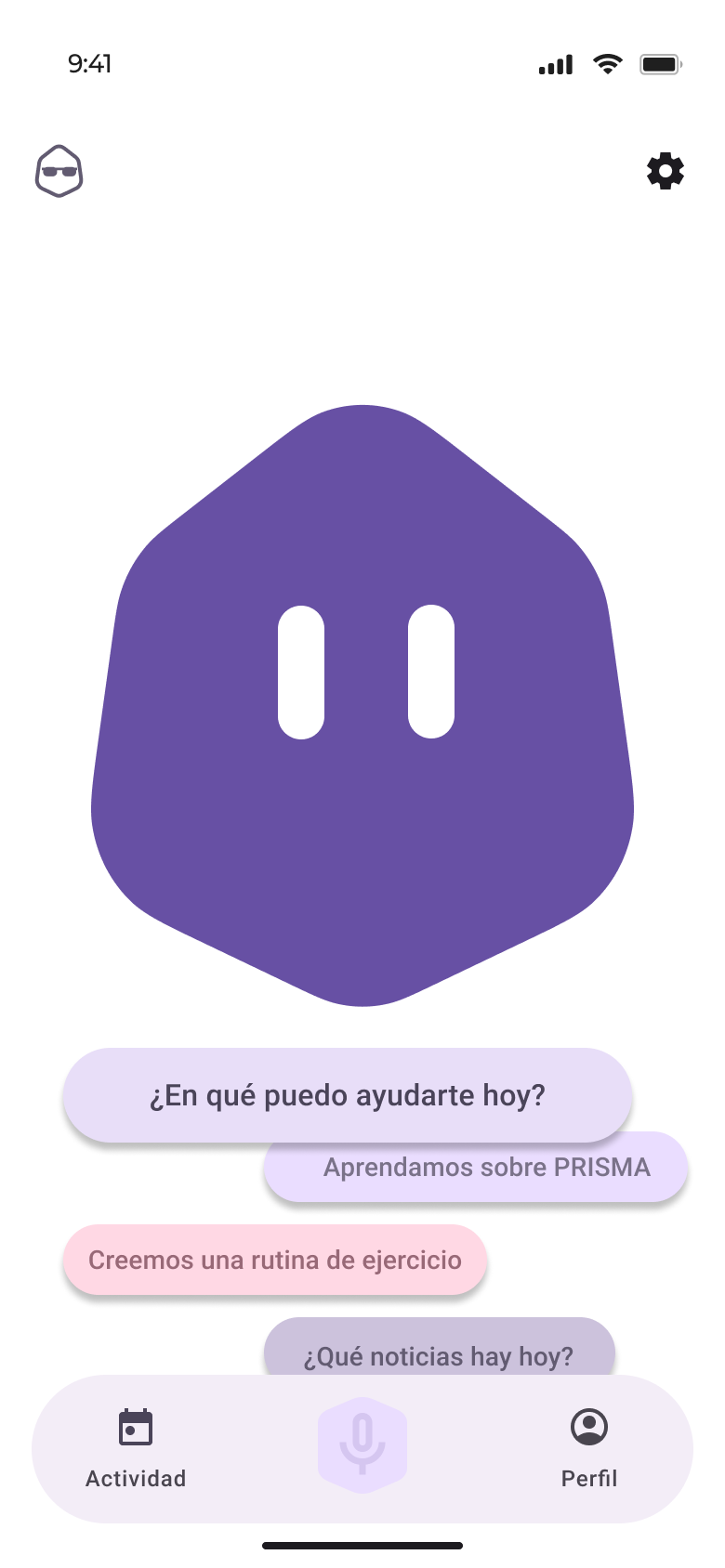
A voice assistant that understands you, adapts to you and protects your privacy. Designed around the reasons people stop talking to their assistant today.
Digital product design · Master's thesis, UDIT 2025
A voice assistant that understands you, adapts to you and protects your privacy. Designed around the reasons people stop talking to their assistant today.
Problem
The technology is there, but people don't adopt it. Next to ChatGPT, the usual assistants feel outdated.
Accents, pauses and natural language lead to errors and frustration.
Complex tasks push people back to the touchscreen.
Fear of always-on microphones and of how personal data is used.
Context
Europe looks at AI with neutrality, neither excitement nor fear. That leaves room for products that earn trust.
say they know what artificial intelligence is
have never used an AI-based tool
describe it in a single word: “dangerous”
feel neutral about it after using it
Source: AIMC, Navegantes en la Red 2024.
Method
Design an experience that complements conversation with a language model and strengthens emotional connection and usability.
Desk research, survey, interviews, benchmark and AS-IS journey.
Brainstorming, SCAMPER, criteria matrix, persona, TO-BE journey and architecture.
Low-fidelity wireframes and an interactive Figma prototype.
Usability testing with real users, then iteration.
Discover
A snowball survey and interviews with users aged 24 to 68, with and without experience, plus UX and technology experts.
use voice assistants regularly
often have frustrating experiences
“If it understood what I say better”
50 votes, the most chosen option
When it fails, they think “I didn't say it right”.
It stays at music, weather and alarms.
Voice works better with visual support.
Next to ChatGPT or Gemini, command-and-response falls short.
Insights
Seven categories came out of the surveys, interviews and usage tests. These three explain the rest.
If it fails at the simple things, people assume it's no good and keep their use shallow.
People expect a collaborator that converses fluently, not command-and-response.
People want a personal, emotional assistant, but privacy fears get in the way of that bond.
AS-IS customer journey
A professional gets home and asks her assistant for things. Purple is what she says; grey is what the assistant does.
“Play some relaxing music”
Plays random music
“No, play Shakira”
Plays a different song
“Make me a coffee”
“To make a coffee, you need…”
“Turn on the coffee machine and make me an espresso”
Now it does it
“What can I do tonight with my partner?”
Answers something irrelevant
Gives up on voice and searches on her phone
Doesn't show whether it's still listening
She hesitates, then unplugs it
AS-IS service blueprint
Top: how she feels at each of the ten moments on the map. Bottom: what happens in front of and behind the voice.
Define
Brainstorming and SCAMPER on the pain points and insights, scored with a matrix of security, innovation, feasibility and impact.
Several agents with their own name and style, memory per context and hand-off between devices.
Emotion detection, adaptation to age and context, a private mode and an onboarding that explains the safeguards.
Coordinates with other agents and syncs data across devices and apps.
A voice assistant for everyone: personal, empathetic and safe.
It detects emotions, adapts to context and age, protects privacy with a dedicated mode, connects to authorised apps and keeps continuity between conversations.
The proposal
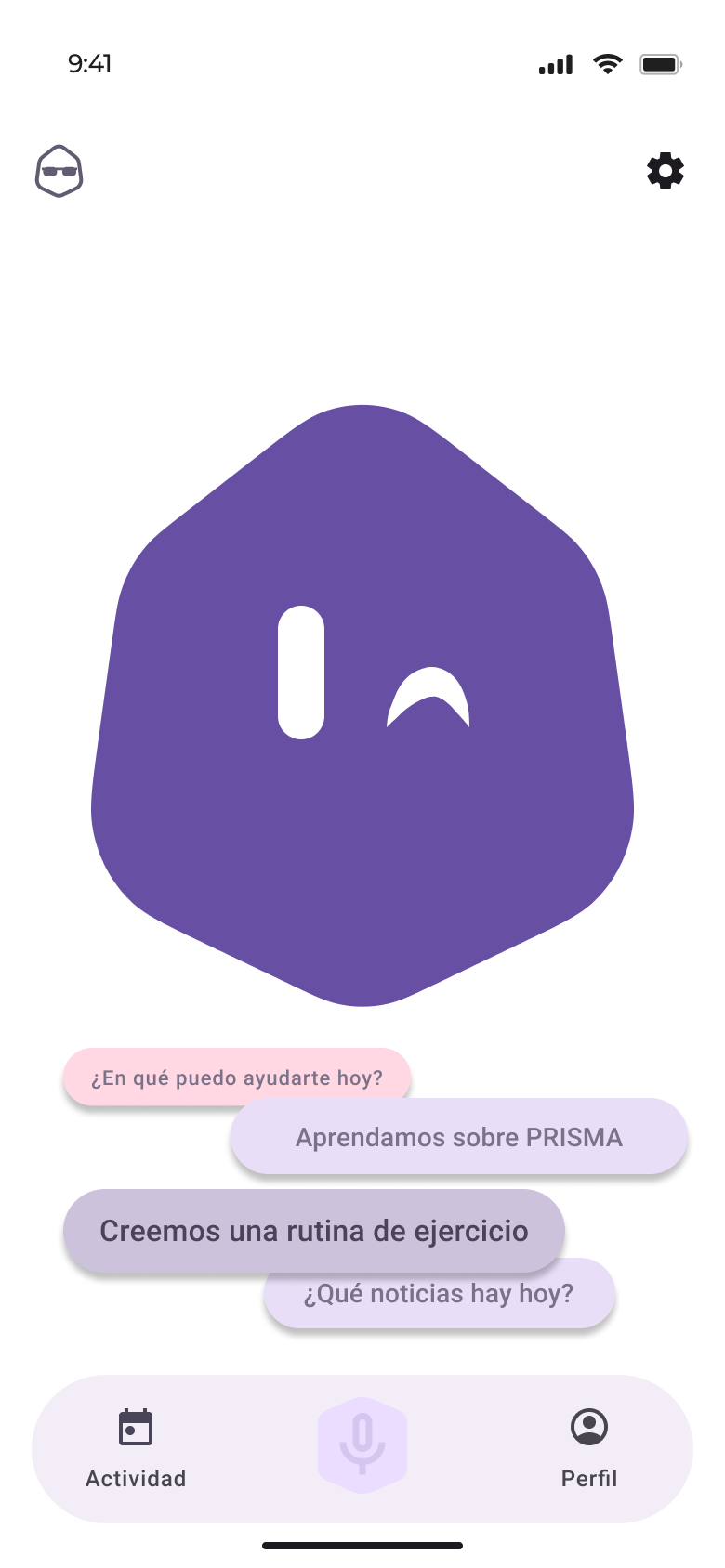
Picks up on tone of voice and adjusts its own.
Adapts to origin, dialect and age.
Changes depending on where it's installed.
Teaches its features and privacy safeguards.
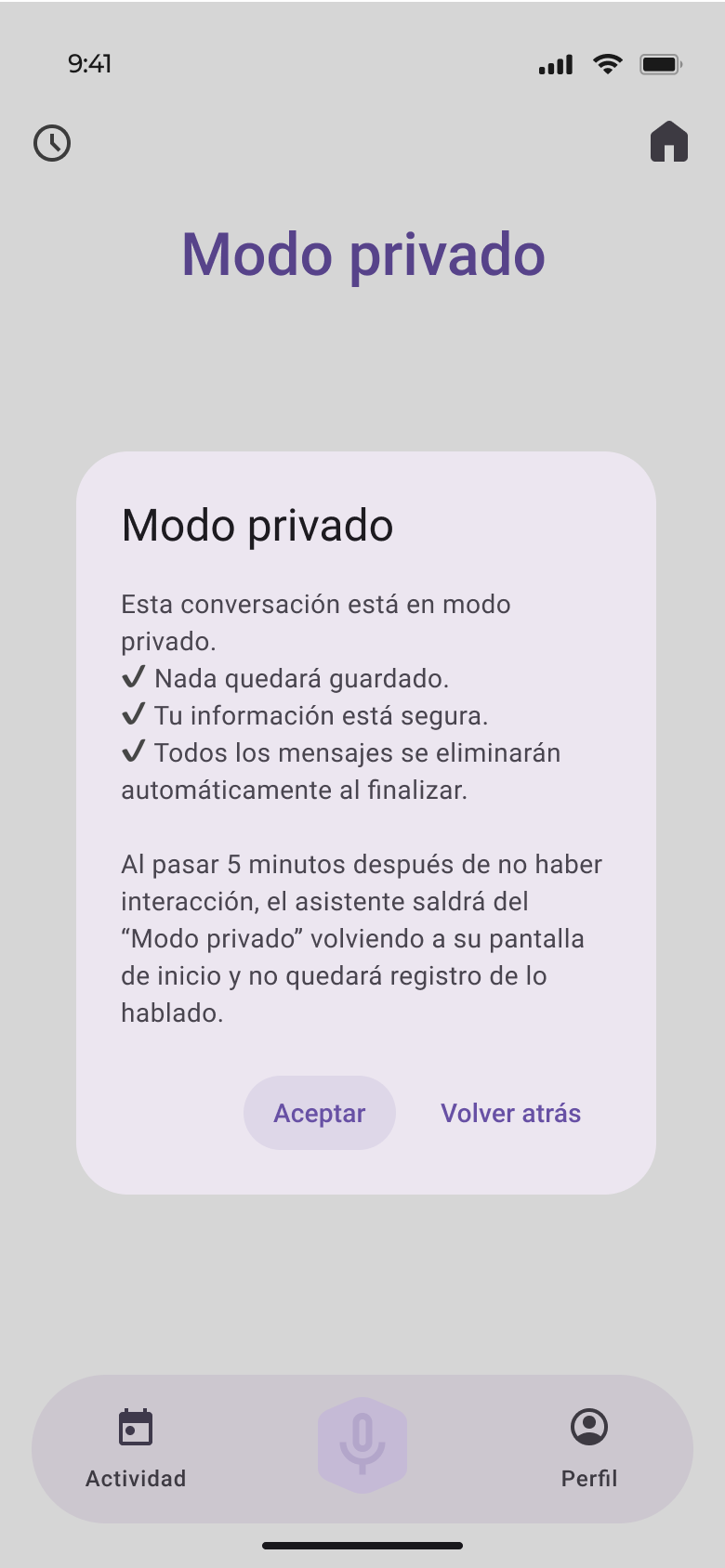
Conversations that aren't saved.
Across devices and authorised apps.
User persona
Project manager at a digital marketing agency. Surrounded by connected devices.

“If my voice assistant can't do it for me, I'll have to do it by hand.”
TO-BE customer journey and blueprint
First contact with the app, from download to first real use. Each label at the bottom answers a friction from the AS-IS.
Develop
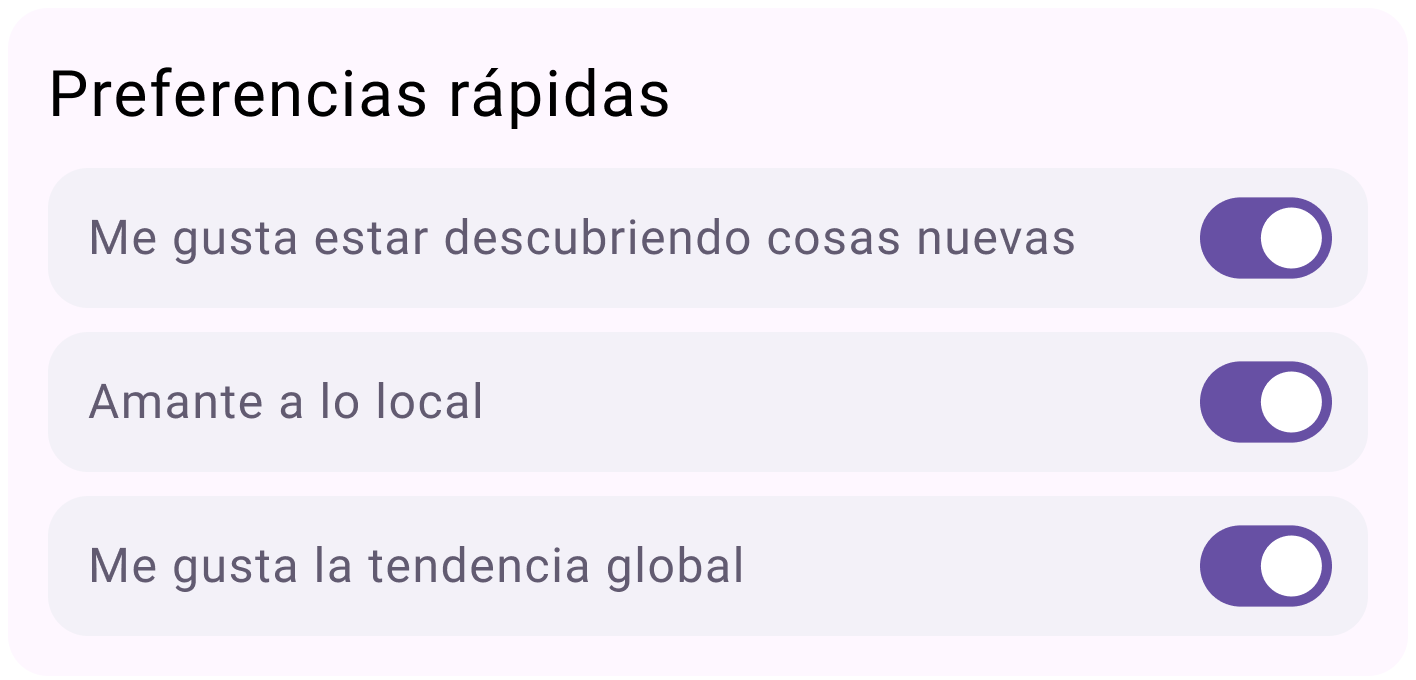
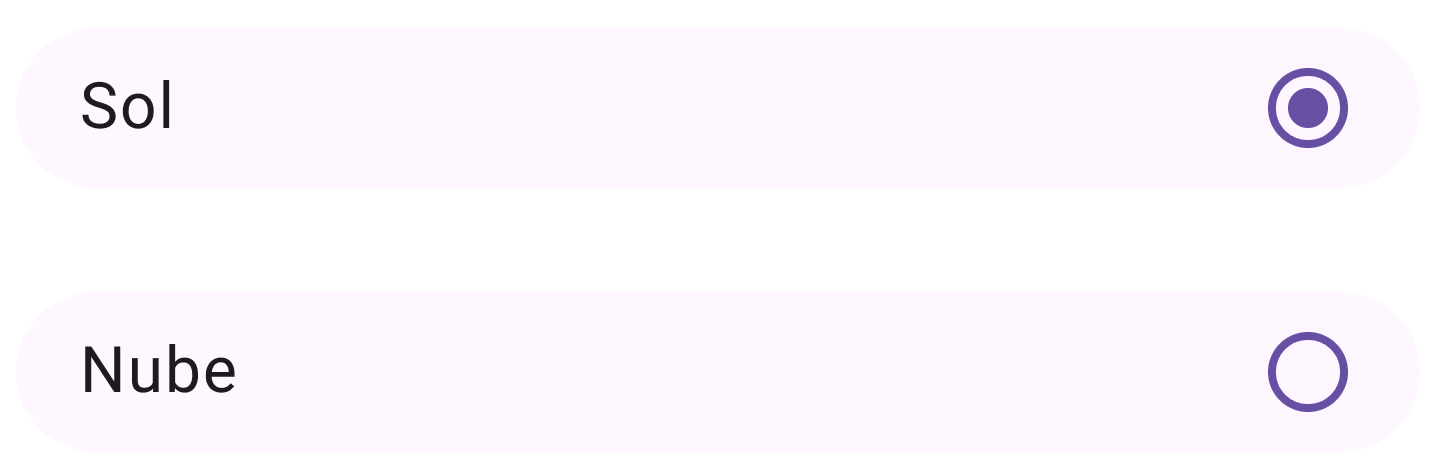
Google's native design system for Android: its colour scheme, Roboto type and standard components. The app feels native to the system, with nothing new to learn.
Prototype
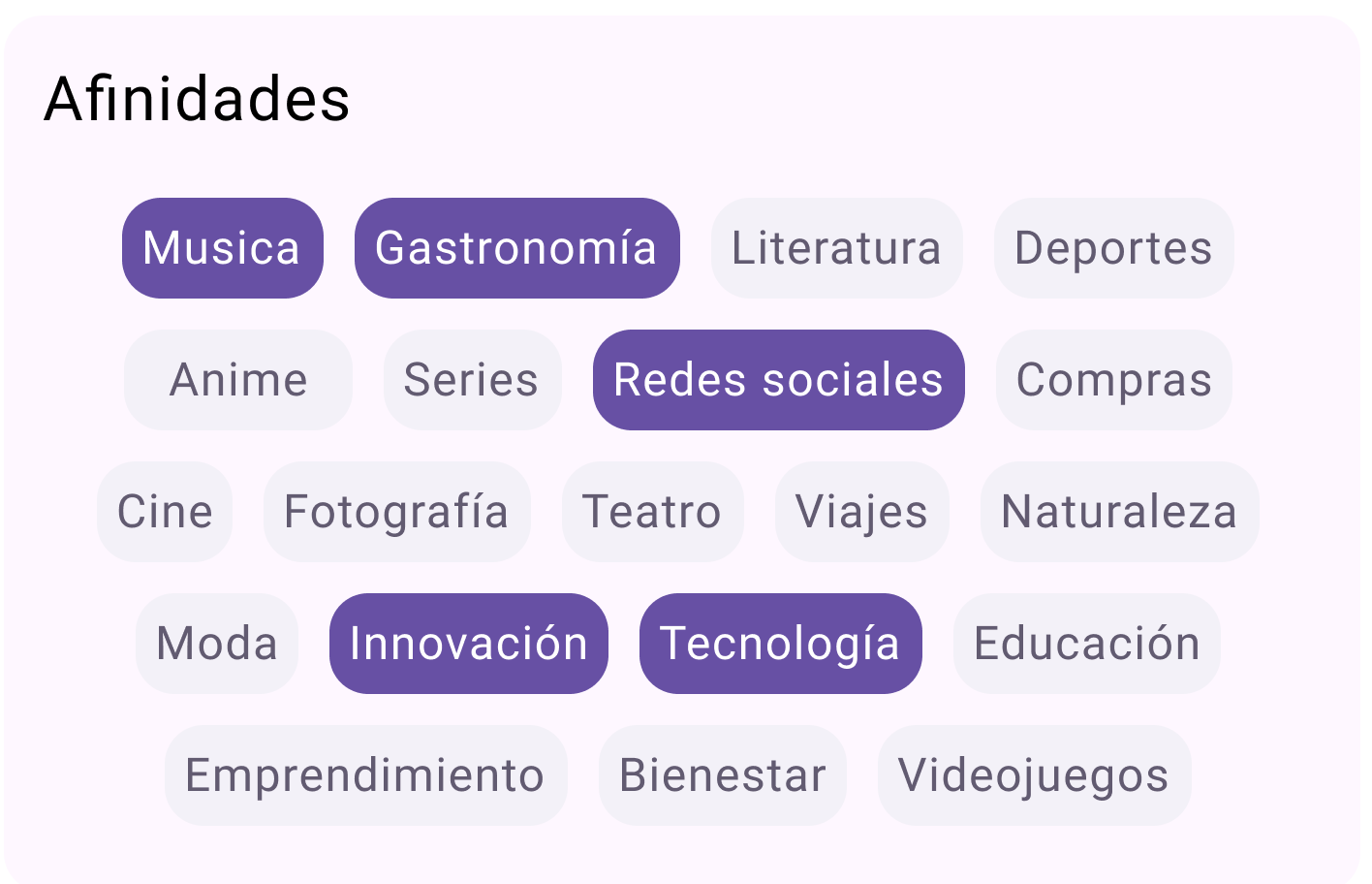
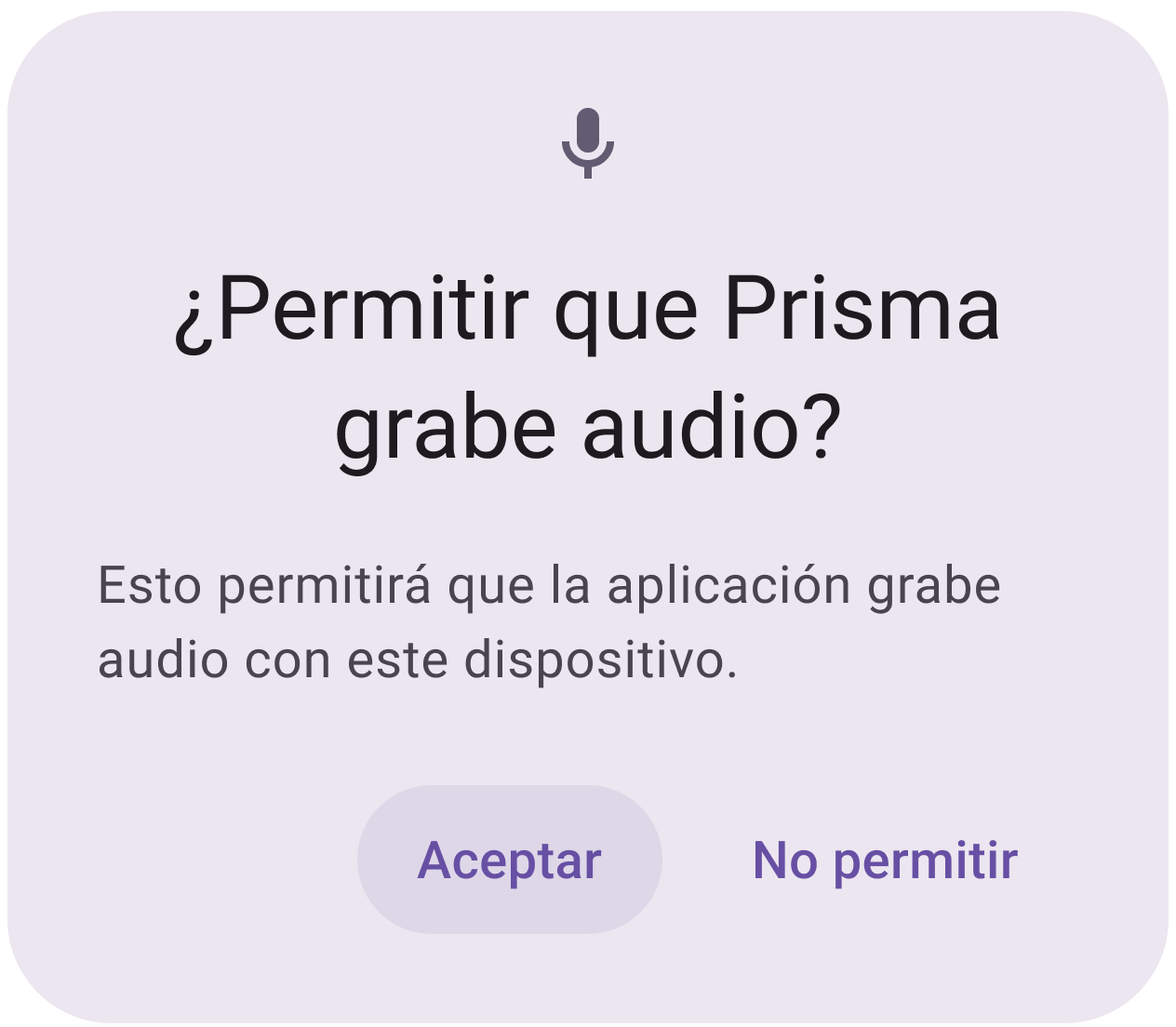
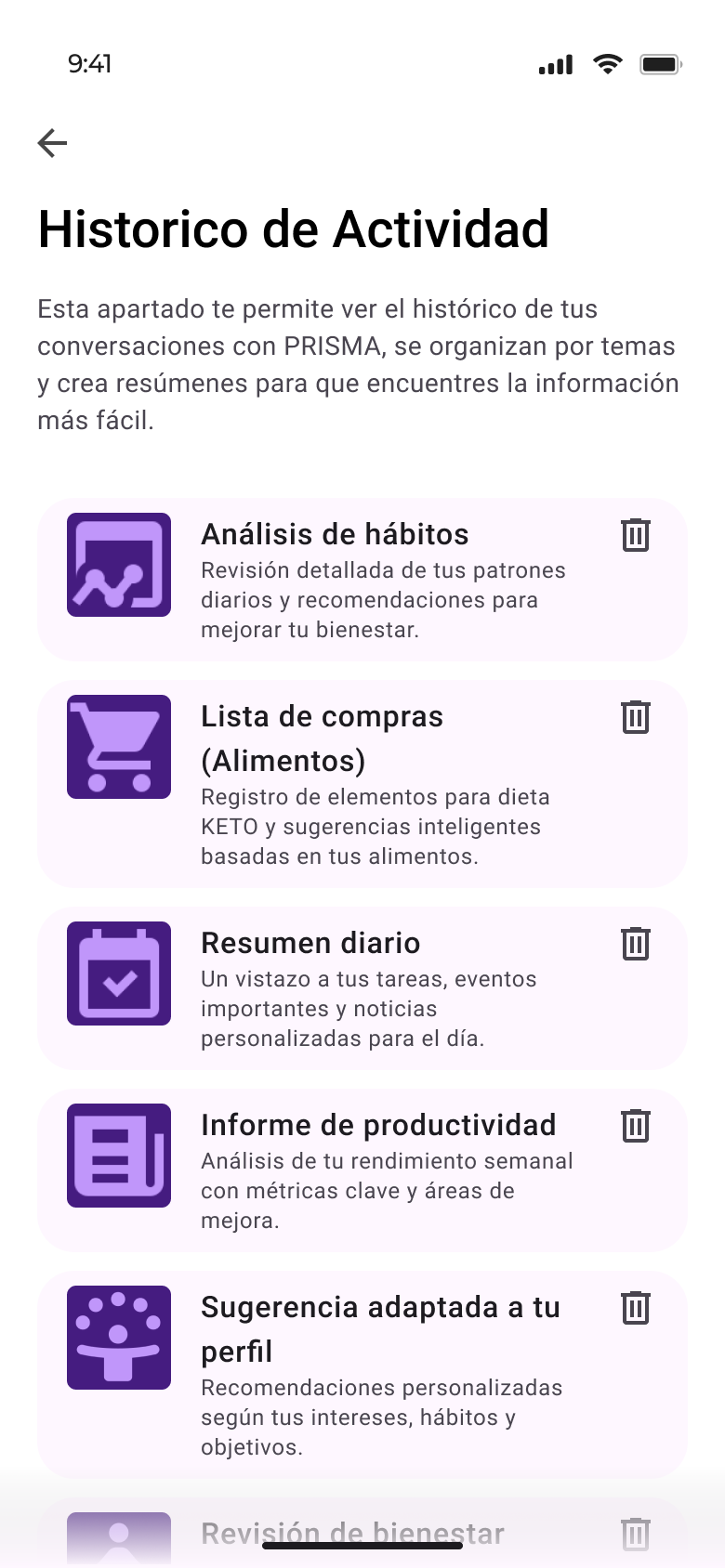
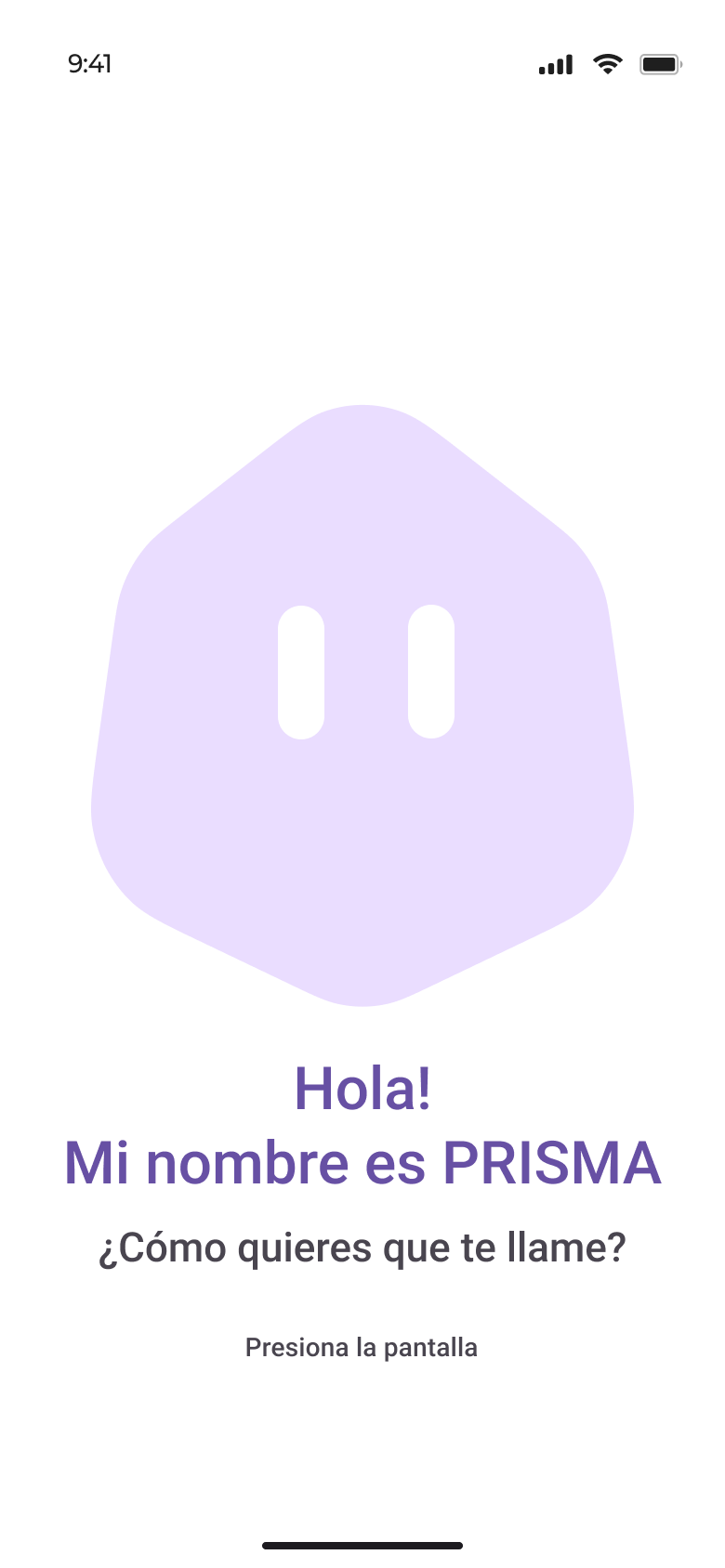
First contact gathers origin, interests and voice, and asks permission before recording. Screens from the v2 prototype in Figma.
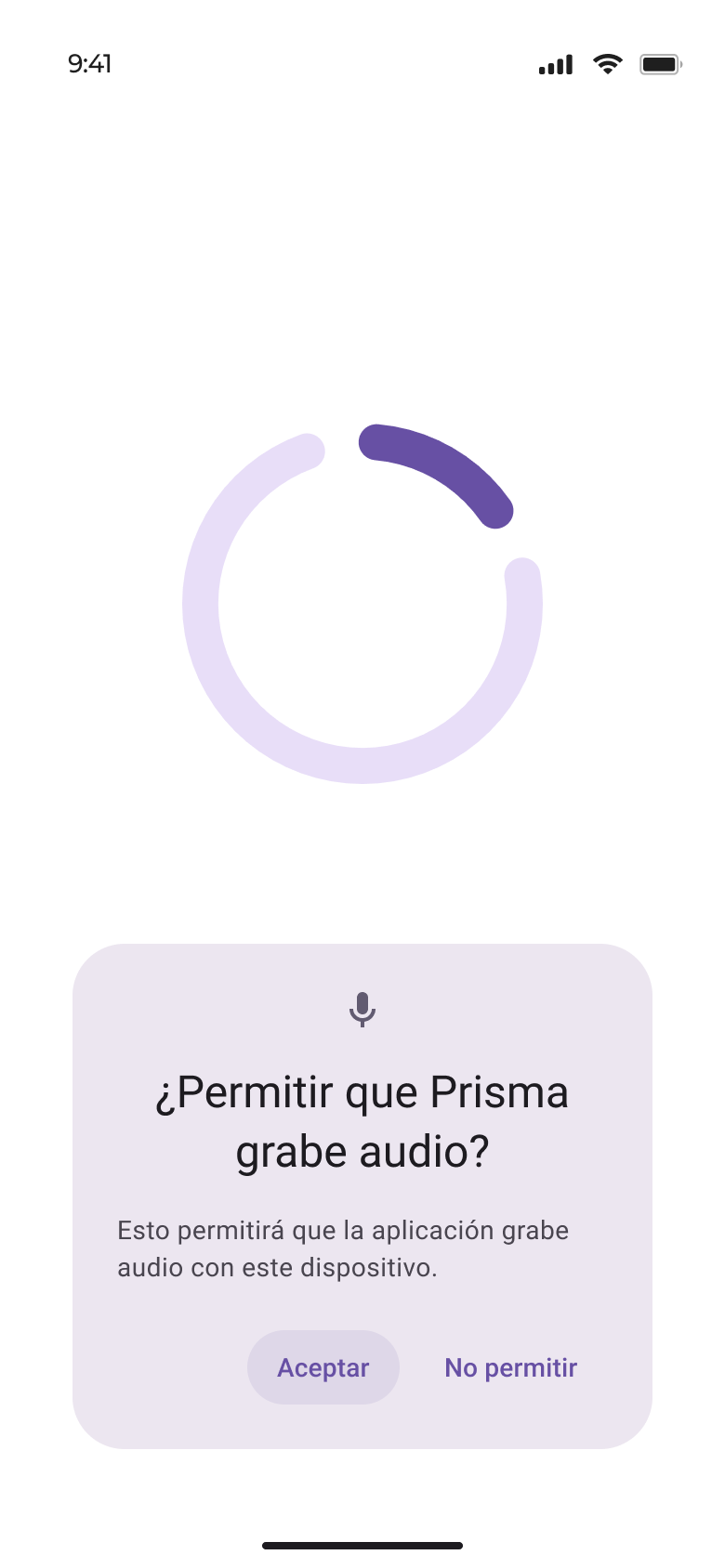
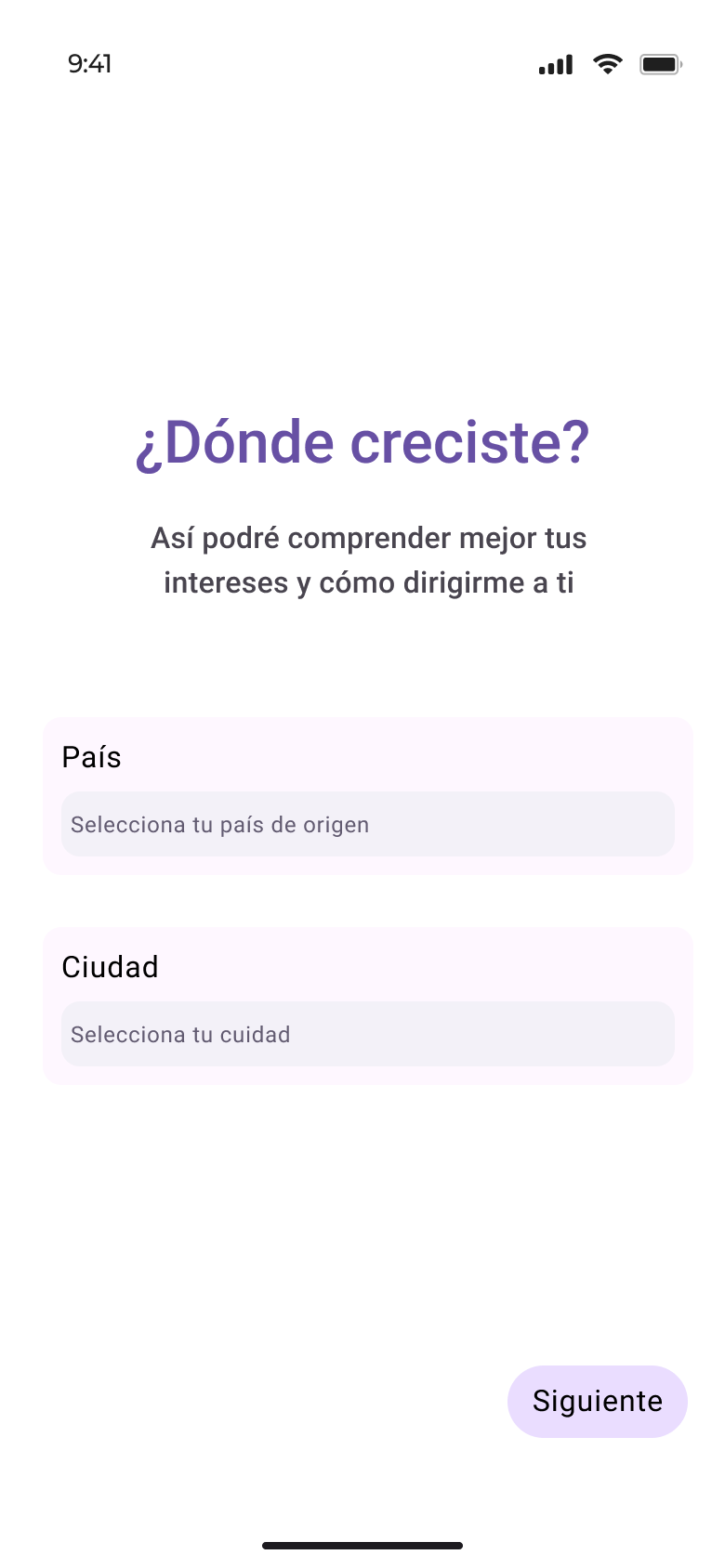
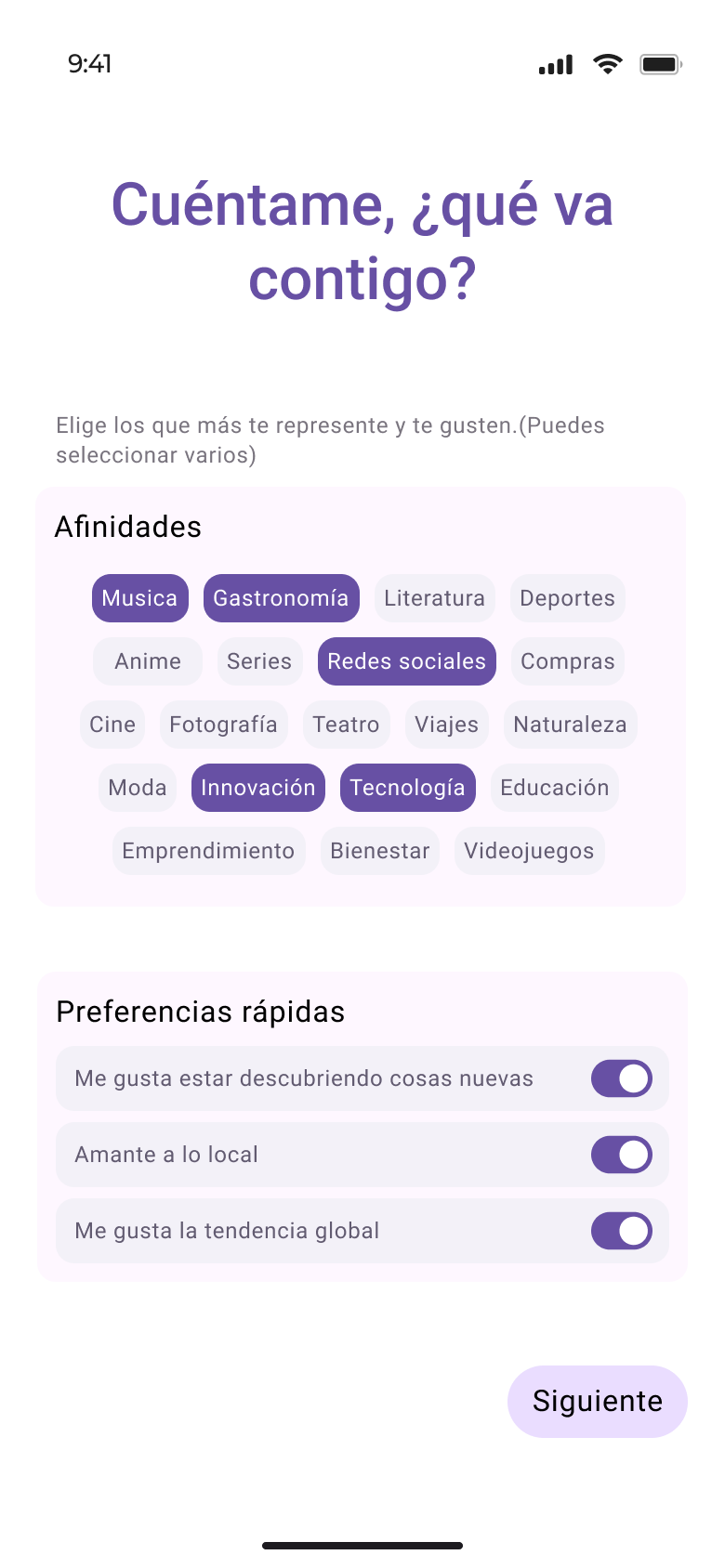
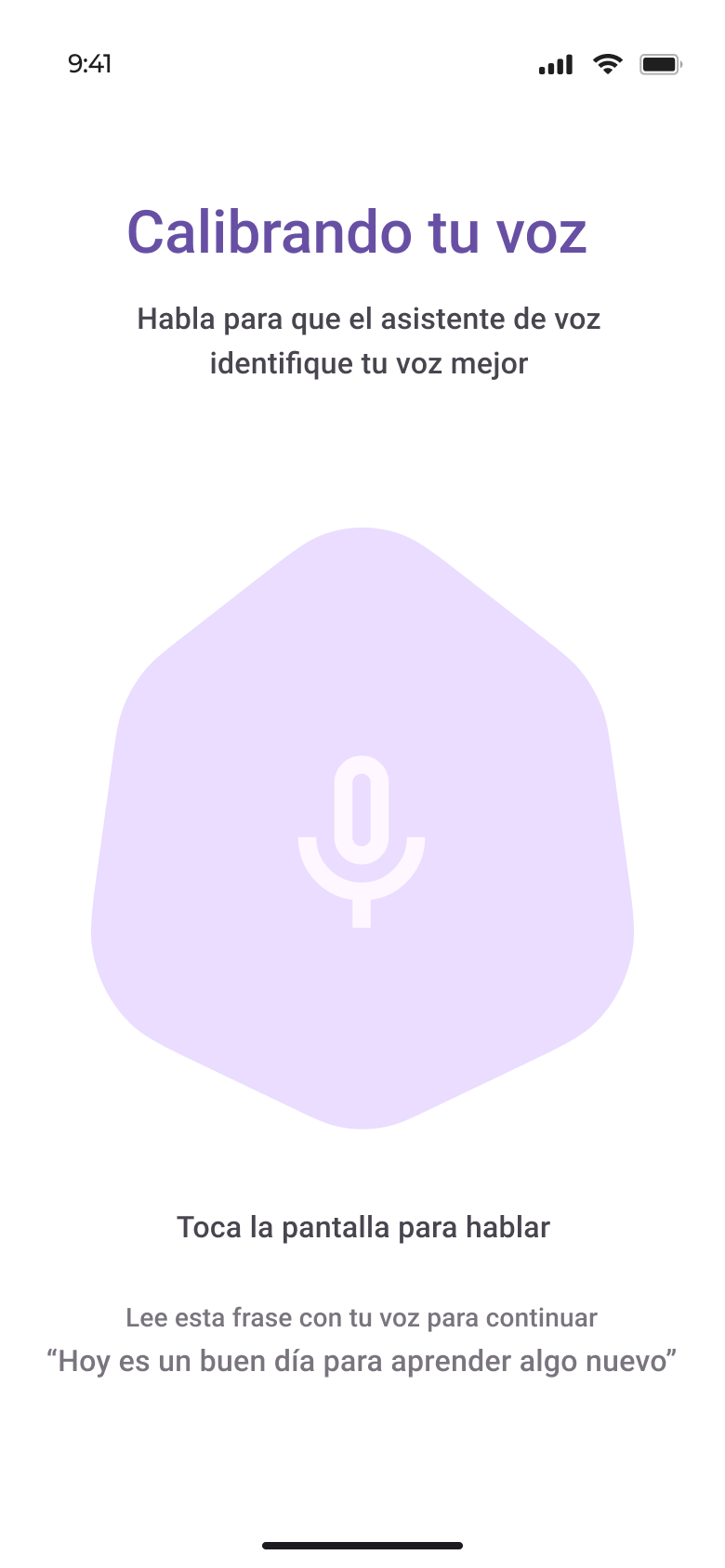
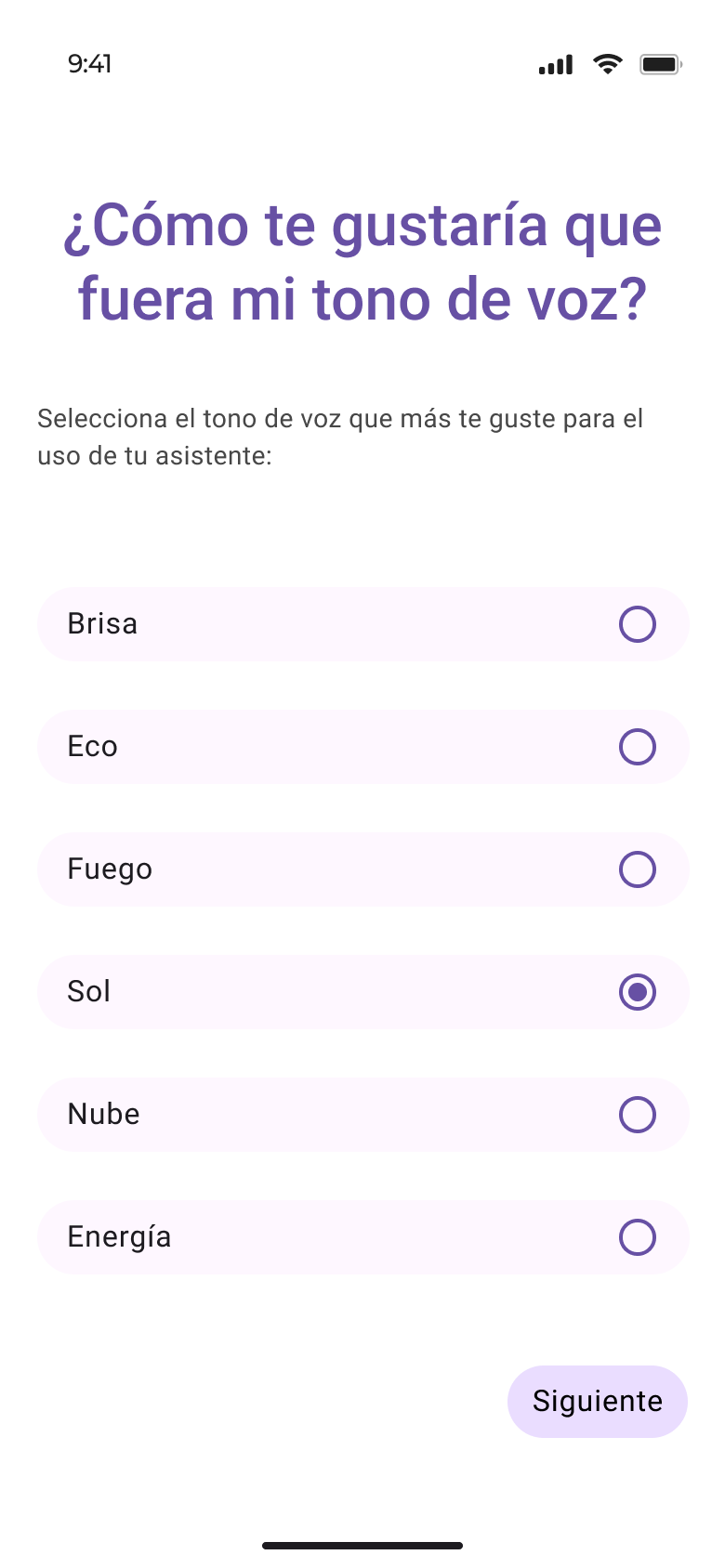
Screens are in Spanish, the language the prototype was tested in.
Develop
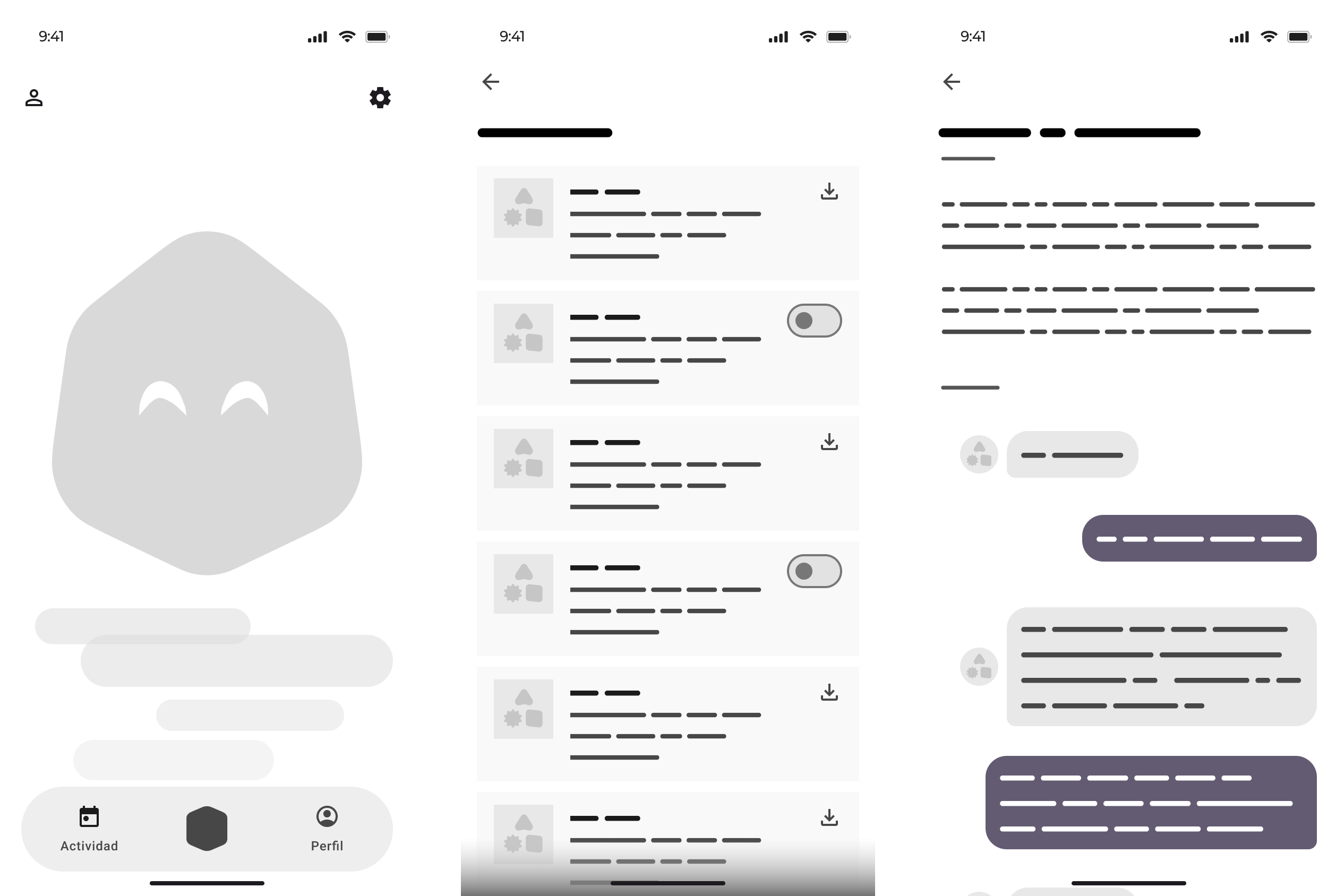
Wireframes surfaced gaps in the flow before content, interactions and animations were added.
Validate
Usability test with three participants, measuring task success and perceived satisfaction.
of tasks completed by all 3 participants
rated the experience positively
number of errors while navigating
People didn't always recognise which section each screen belonged to.
Accepting an assistant also depends on perceived usefulness and autonomy, not just usability.
Iteration
Each change answers something participants didn't get the first time.
| Screen | Observed problem | Change made |
|---|---|---|
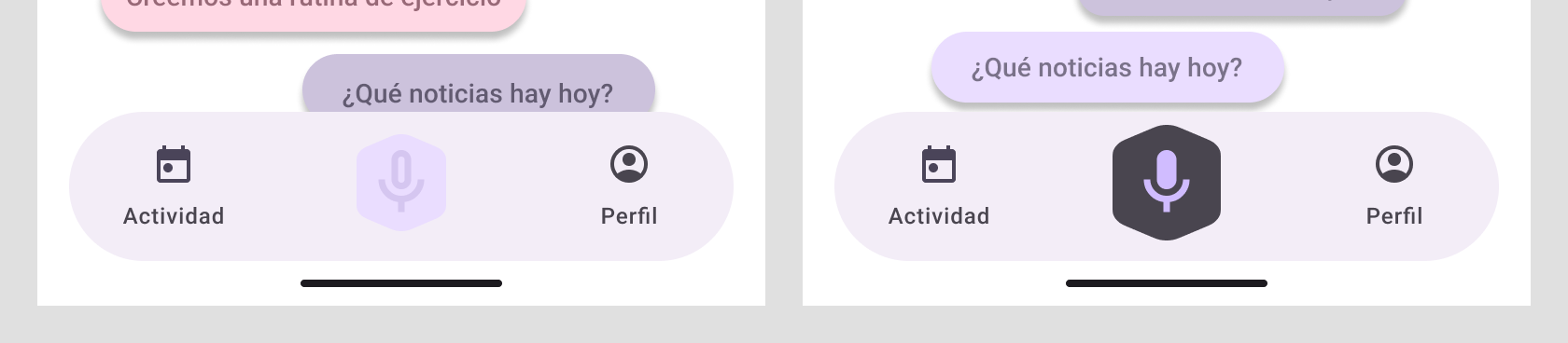
| Home | Microphone hard to recognise | Reactive button with active and inactive states |
| Welcome | Unclear when to record your name | Call-to-action text |
| Activity | Three different interpretations | Explanatory contextual text |
| History | Looked like an editable chat | Text explaining it's accumulated information |
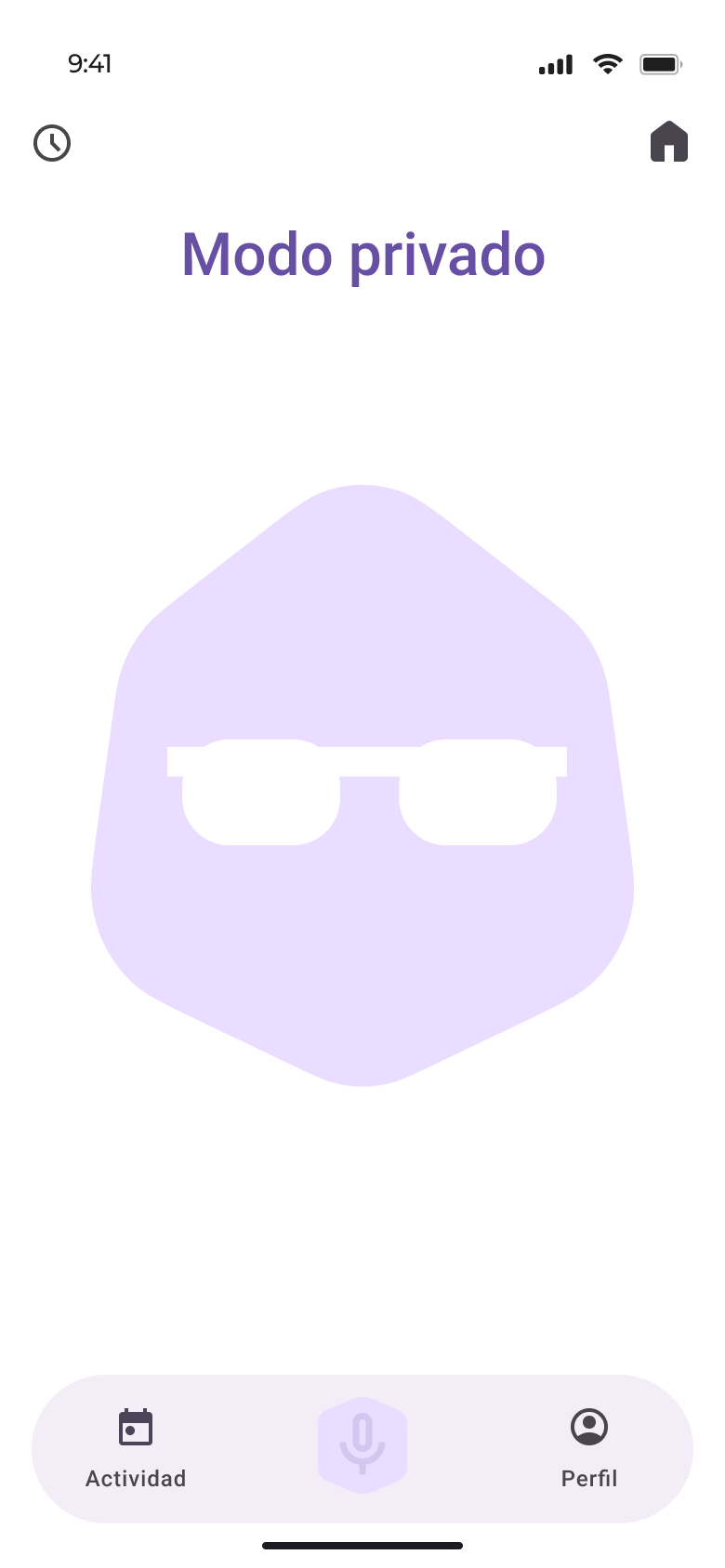
| Private mode | Mic state and getting back to Home | Home icon and a countdown |
| Culture | Settings felt isolated | Merged into the profile and onboarding |
Conclusions
In Spain, AI sits in a neutral, cautious place: people know it, but understand it little.
Not the interface. Ambiguity and accents frustrate people; voice needs a multimodal design with visual support.
It takes real usefulness, autonomy over decisions and clear control of privacy.
Emotion, cultural adaptation and apps connected through standards such as MCP (Anthropic, 2024).
Today it would work in the foreground, without a background wake word. Technology is expected to make that possible.